#Programming procedure
Below you can find the two connectors that we must use to program the device:
a. USB connector (Red)
b. UART connector (Yellow)

- The cables that we will need are the following:
a. Standard USB cable. USB Type-A to female PIN header
b. Standard RS232 UART cable or USB to UART cable.
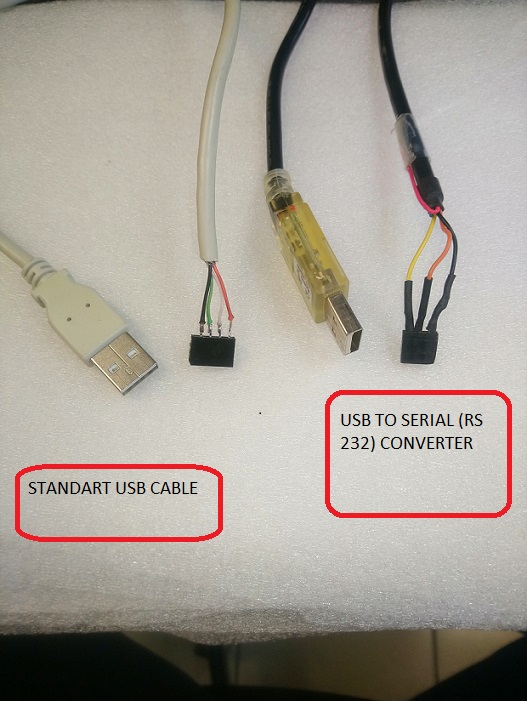
Programming procedure
• Initially the flash memory of the device is completely blank.
• To program it, we need first to install Rockchip_DriverAssitant_v5.1 to a Windows PC.
• Then, connect the USB cable (Red) as shown below with correct orientation:

Programming – Scenario A
• Connect the device to the power, using the USB-C connector using a power supply of 12VDC / 2A.
• Run RKDevTool
• Set the correct:
o Loader
o Parameter
o Uboot
o Bootrootfs
o data
paths from Image folder
*To set the folder click the white cell (next column from path)
• Click all checkboxes
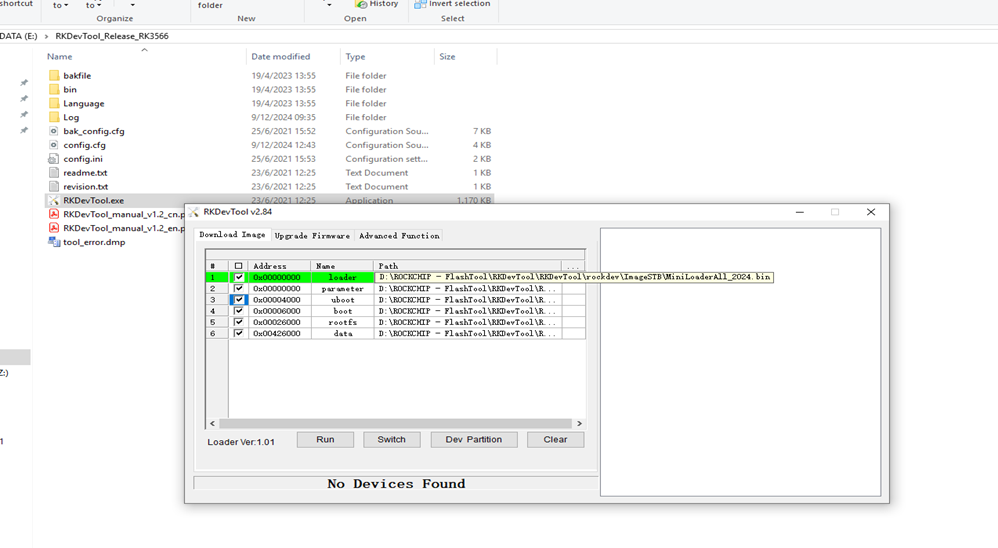
• Check if LOADER has been found!
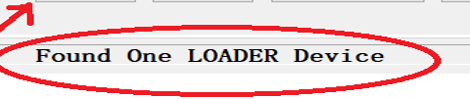
• If yes, press Run button. IF NOT PLEASE PROCEED TO SCENARIO B.
• Wait 3min approx. to finish the programming
• When the programming is finished, shut down the device and unplug the USB cable!
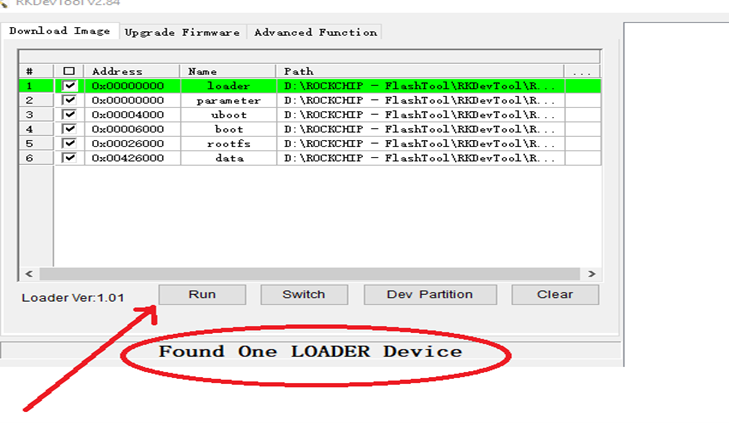
Scenario B
If the flash memory is not empty or because Scenario A has failed for any reason you need to proceed with the following programming procedure.
• Connect the UART cable (USB to serial cable) as depicted below:

• Download and run Putty software with the following settings:

• Set power to device and immediately press CTRL+C
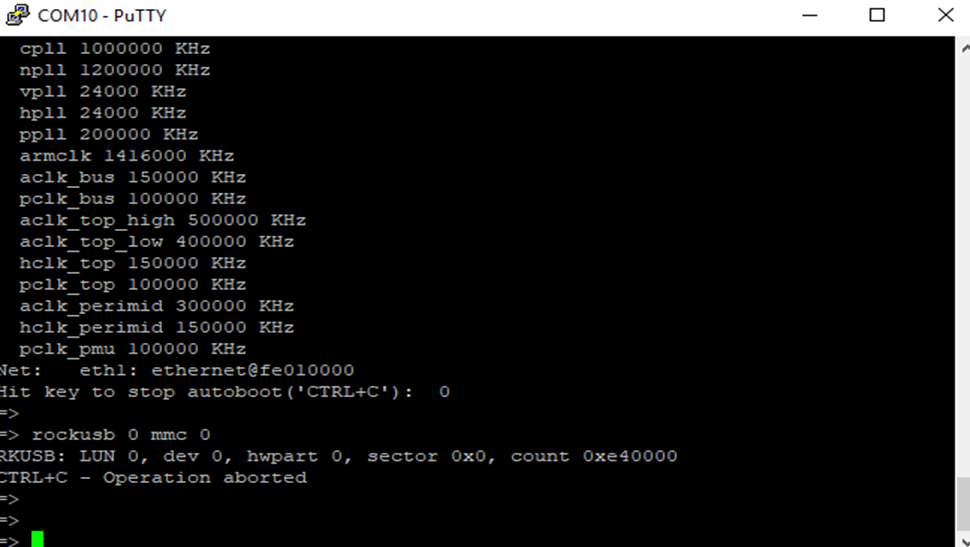
• Write the command: rockusb 0 mmc 0” command
• Memory flash is empty now.
• Proceed with standard programming process - Scenario A
Updated by Constantinos Lempidakis over 1 year ago · 2 revisions