TVRadio Groups » History » Revision 3
« Previous |
Revision 3/4
(diff)
| Next »
Constantinos Lempidakis, 01/02/2025 01:56 PM
TV/Radio Groups
From the "TV/Radio Groups" page the user will be able to create as many different groups for the following:
- For any available channel (Live channels)
- For VOD content
The "TV/Radio Groups" page will be a standard listing "group" page as follow:
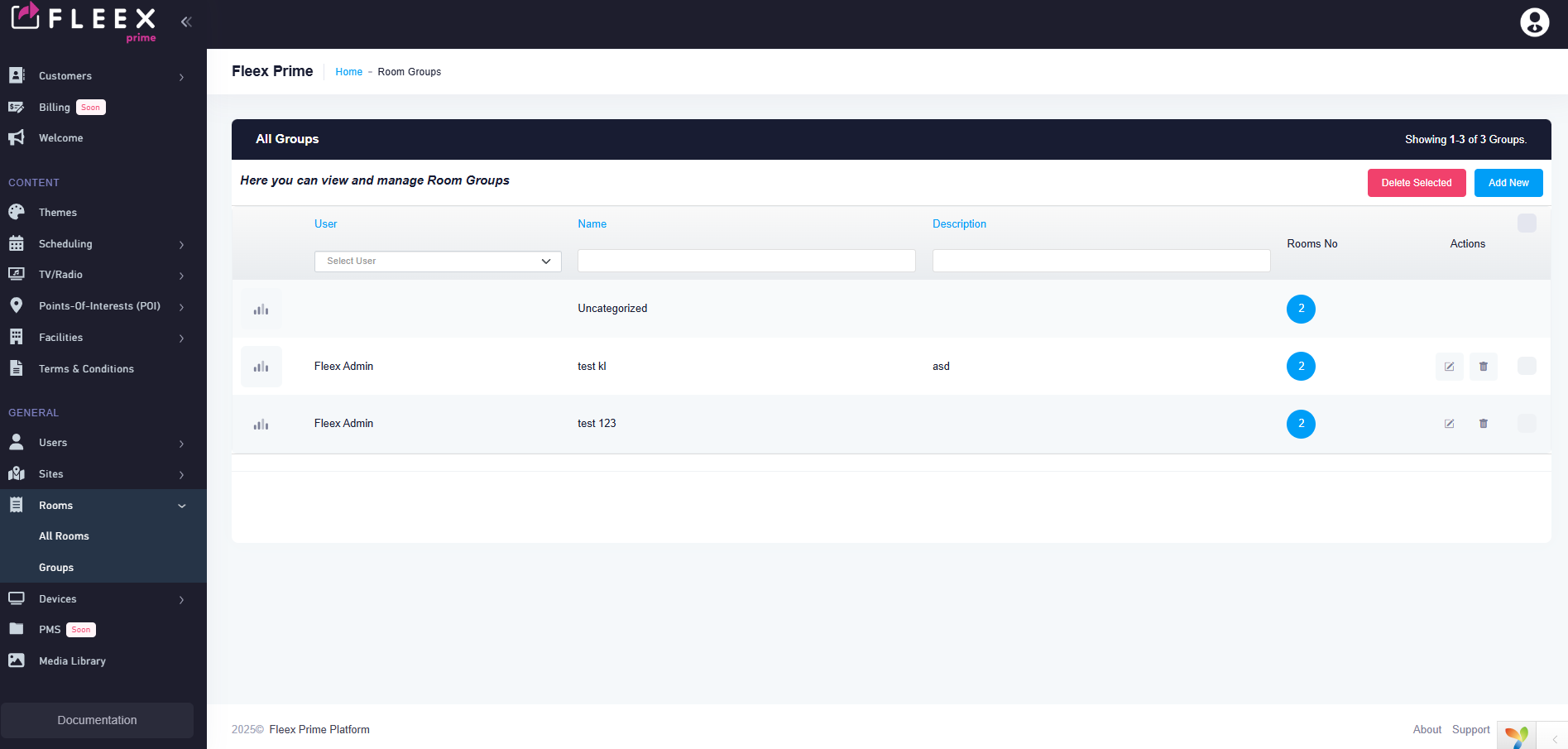
At the upper right corner two buttons will exist as follows:
- Add Channel group
- Add VOD group
Channel group
- The user will be able to create as many groups as he wants by cliking the "Add Channel group' button on the upper right corner.
- Each group will consists of the following fields:
1.User (Drop down menu, pre-selected the current user)
3.Language selection field
4.Name (Text field)
5.Description (Small text field)
6.Site (Drop down menu, listing all the available sites)
7.Add content (Select menu, available options all the "Channels")
VOD group
- The user will be able to create as many groups as he wants by cliking the "Add VOD group' button on the upper right corner.
- Each group will consists of the following fields:
1.User (Drop down menu, pre-selected the current user)
2.Order No (Numeric field, the user must be able to chagne the order of the group)
3.Language selection field
4.Name (Text field)
5.Description (Small text field)
6.Site (Drop down menu, listing all the available sites)
7.Add content (Select menu, available options all the VOD "Content" and/or "Series")
8.Style (Drop-down menu with the following options: Standard, Highlight)
Updated by Constantinos Lempidakis over 1 year ago · 3 revisions