VOD Backend » History » Revision 20
« Previous |
Revision 20/26
(diff)
| Next »
Constantinos Lempidakis, 01/02/2025 01:43 PM
VOD Backend
-
"VOD page option" must be included in Canva for "Button" widget.
-
The backend of the VOD is described below:
Video-ON-Demand (VOD)
- When the user will press the "Video-ON-Demand (VOD)" button, a listing page will be displayed as the example below:
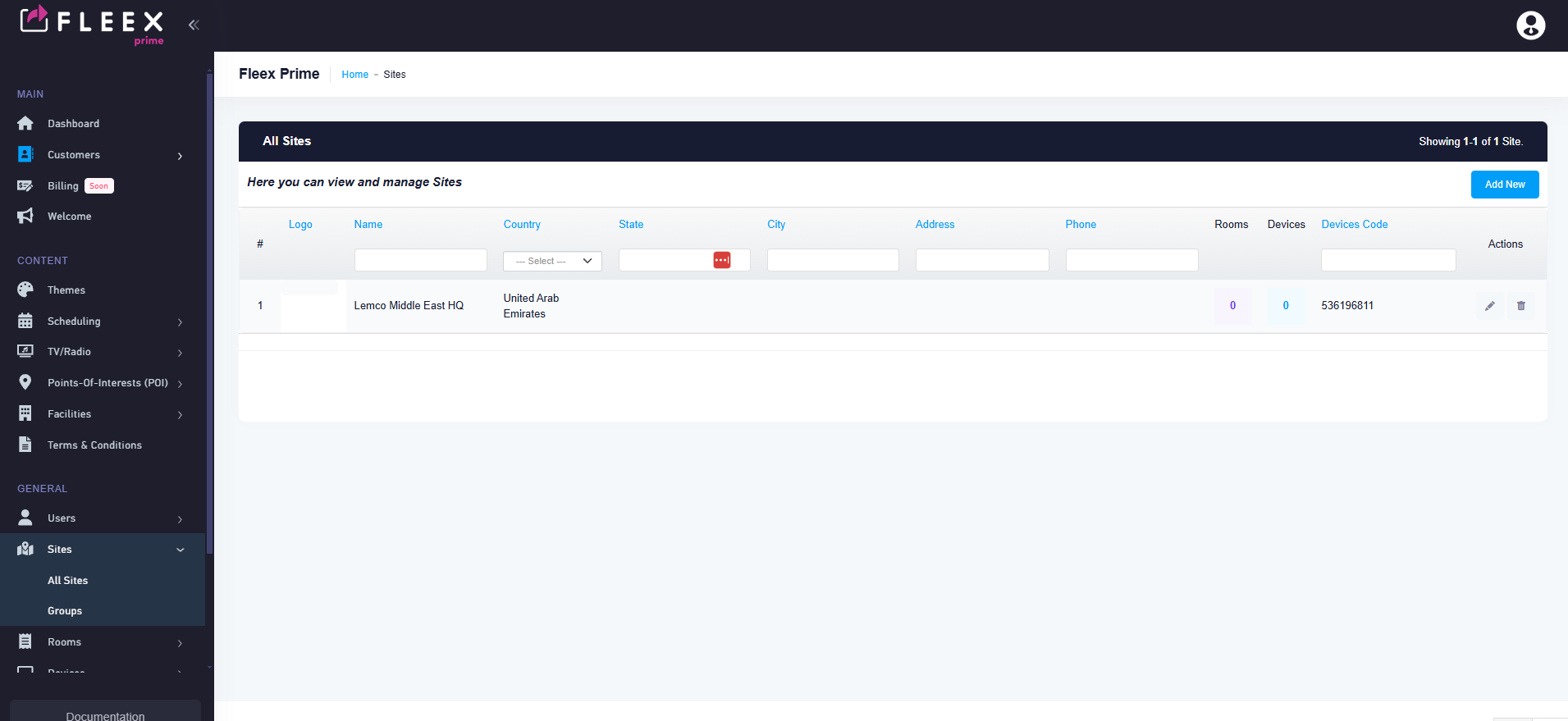
- Each Row will depict a VOD content eg. a movie or a series.
- At the upper right corner two buttons will exist as follow:
** Add New Content **
** Add New Series **
Add New Content
- By clicking the "Add New Content" button on the upper rigth corner the user will be able to add a new VOD content using a pop-up menu with the following options:
- Language selection field (similar to other pages)
- Title (Text field)
- Short description (Small Text field)
- Description (Small Text field)
- Genre (Selection field)
- Cast (Text field)
- Source (Text field)
- Photo cover (Browse button to Media Library)
- Video Trailer (Browse button to Media Library)
- Price (Numeric field, Ignore if it belongs to a Series )
11.Site (Drop down menu, listing all the available sites) - Rating (Drop Down menu with the following options:TV-Y, TV-Y7, TV-G,TV-PG,TV-14,TV-MA) Based on wordwide rating: https://en.wikipedia.org/wiki/TV_Parental_Guidelines#External_links
13.Content descriptor (Mutliple select field: using the options below:
| Descriptor | Explanation |
|---|---|
| D | Sexual or suggestive dialogue |
| L | Coarse or crude language |
| S | Sexual situations |
| V | Violence |
Add New Series
- By clicking the "Add New Series" button on the upper rigth corner the user will be able to add a new VOD content using a pop-up menu with the following options:
- Language selection field (similar to other pages)
- Title (Text field)
- Short description (Small Text field)
- Description (Small Text field)
- Genre (Selection field)
- Cast (Text field)
- Content (Select field, available options all the TV content created using the above "Add New Content" procedure)
- Photo cover (Browse button to Media Library)
- Video Trailer (Browse button to Media Library)
- Price (Numeric field)
10.Site (Drop down menu, listing all the available sites)
Groups
- VOD Groups page will be a standard listing "group" page as follow:

- The user will be able to create as many groups as he wants by cliking the "Add New' button on the upper right corner.
- Each group will consists of the following fields:
1.User (Drop down menu, pre-selected the current user)
2.Order No (Numeric field, the user must be able to chagne the order of the group)
3.Language selection field
4.Name (Text field)
5.Description (Small text field)
6.Site (Drop down menu, listing all the available sites)
7.Add content (Select menu, available options all the "Content" and/or "Series" created above)
8.Style (Drop-down menu with the following options: Standard, Highlight)
General Guidelines
- All the above fields must be available as columns in all listing pages
- All the above fields must have several filtering options in all listing pages
- In "Settings" page, a Genre page must be created for the user to be able to add as many Genres as he wants.
Updated by Constantinos Lempidakis over 1 year ago · 20 revisions